Final Video Story

I have attached my final video.  In order to create this video, I edited it in Adobe Premiere, however I had to use their mobile app on my cell phone because the program does not work on my laptop.  I usually would use the computers in Rockwell to work on certain projects but due to the virus I am in a remote location.  I edited this video by adding title screens and closing footage.  I as well inserted a voice over as well as explaining what I am wearing and where all of the items shown are from.  I gained the footage by everyday taking a new video of what I was wearing for the day.  I used the titles and voiceover effects to make the video.  After I completed the draft I had a few things I wanted to change about the video.  I wanted to rerecord my voiceover.  I did it again and was able to remove a lot of the rustling audio and background music.  My classmates gave me suggestions to edit the audio as well so that is what I did in order to adapt to their critiques.  Overall I enjoy this video and think that it ended up looking good.  I have also updated my story board below. 

Visual ElementsAudio Elements
0:00-018:  Quarantine look book titleVoice over saying this is what I’ve been wearing around my house during the pandemic. 
0:19-0:34  Outfit One – Sweat suit- Clips of me in the sweat suit  explaining via voiceover that I made the sweat suit and wear it is from
0:35-0:52  Outfit Two – Jeans and a Sweater Clips of me in the outfitvoiceover explaining that sometimes I have to get a little dressed up for class, tell where outfit is from
0:53-1:03 Outfit Three- Leggings and Sweatshirt- Clips of me in the outfitvoiceover telling everyone where my outfit is from
1:04-1:22 Outfit Four- Jeans and a T-Shirt- Clips of me in the outfitvoiceover explaining my grocery store outfit, tell where everything is from
1:23-1:35  joggers and a t-shirt – Clips of me in the outfitvoiceover telling everyone where my outfit is from
1:35-2:00 Closing title – image on screen explaining to stay home and flatten the curve  Voiceover thanking everyone for watching and saying make sure to stay safe and stay home

Draft Video Footage

I have attached my draft video footage below. I edited this video in premiere, however I had to use my cell phone because the program does not work on my laptop. I edited this video by adding title screens and closing footage. I uploaded a voiceover as well explaining what I am wearing and where all of the items shown are from. I gained the footage by every day taking a new video of what I was wearing for the day. I used the title tiles and voiceover effects to make the video. I want to rerecord the voiceover. I also am interested in playing around with the coloring of the video as well.

Raw Video Footage and Story Board

Below I have attached my story board and raw video footage for a video. My video will be a outfits of the week video of the clothing college students are wearing during quarantine. It will be filled with comfortable clothing and outfit ideas for students to look a little cute during this time. My story board breaks down the timing and my ideas for putting the video together as well.

College Student Quarantine Look Book

Visual ElementsAudio Elements
0:00-020:  Quarantine look book titleZen music playing in the background, Voice over saying this is what I’ve been wearing around my house during the pandemic. 
0:21-0:37  Outfit One – Sweat suit- Clips of me in the sweat suit  Zen Music playing in the background, explaining via voiceover that I made the sweat suit and wear it is from
0:38-0:56  Outfit Two – Jeans and a Sweater Clips of me in the outfitZen Music playing in the background, voiceover explaining that sometimes I have to get a little dressed up for class, tell where outfit is from
0:57-1:08 Outfit Three- Leggings and Sweatshirt- Clips of me in the outfitZen Music playing in the background, voiceover telling everyone where my outfit is from
1:09-1:28 Outfit Four- Jeans and a T-Shirt- Clips of me in the outfitZen Music playing in the background- voiceover explaining my grocery store outfit, tell where everything is from
1:29-1:42  joggers and a t-shirt – Clips of me in the outfitZen Music playing in the background, voiceover telling everyone where my outfit is from
1:43-2:00 Closing title – image on screen explaining to stay home and flatten the curve  Voiceover thanking everyone for watching and saying make sure to stay safe and stay home
Raw Video Link

Final Logo

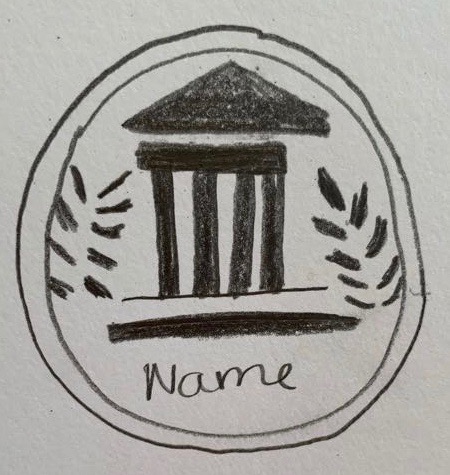
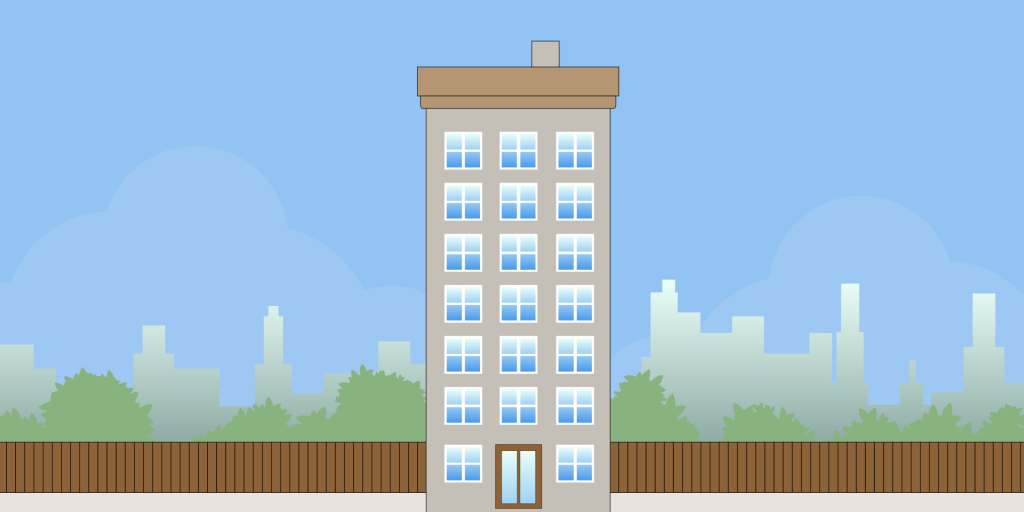
My final logo is improved from my Draft Logo in the last post.   I have improved a few things about my logo since my last post.  I have taken into consideration some things my classmates had said to me in our discussion board.  A few of my classmates said that I should try and play with color.  I took this into consideration and added some green behind the circle.  I played around with different shades of green using the swatch tool.  Another thing that I did was I added a name to the bottom of the logo.  This was something my classmates said I needed in order to bring the whole thing together.  Once the name was at the bottom I believe that the whole theme and image of the logo together.  My theme for my blog is college aged students who are fashion forward.  I take photos and interview students on their clothing and what is in style right now.  I will do fashion spreads and editorial stories on what is on trend and in season. Since I am taking a more collegiate approach to this topic I created a college building in my logo. I created this using the rectangle and polygon tools on Illustrator.  I encompassed the whole thing in two circles.  One is filled in black and one green, to see the things inside of it.  Lastly, I have the ivy next to the building to represent college. I am very into the whole minimalistic appearance of the logo color wise but sometimes I think it could be more fun.  I find it fun for the image to have a colorful approach with a minimalistic web design.  I enjoy my logo and I think it fits well with my blog theme. 

Draft Logo

The logo I have attached above is a draft for the logo for this website.  My theme for my blog is college aged students who are fashion forward. I take photos and interview students on their clothing and what is in style right now.  I will do fashion spreads and editorial stories on what is on trend and in season. Since I am taking a more collegiate approach to this topic I created a college building in my logo.  I created this using the rectangle and polygon tools on Illustrator. I encompassed the whole thing in two circles. One is filled in black and one white, to see the things inside of it.  Lastly, I have the ivy next to the building to represent college. I am thinking of adding a name to the bottom of the logo in the next draft. I am also toying at the idea of possibly adding more color.  I am very into the whole minimalistic appearance of the logo color wise but sometimes I think it could be more fun. I find it fun for the image to have a colorful approach with a minimalistic web design. I am toying with the idea of changing the color scheme for my website to black and white so that a colorful logo pops.  I am excited to make small corrections to this.

Final Graphic Collage

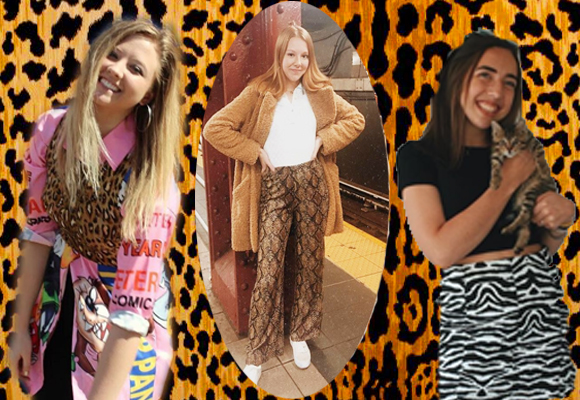
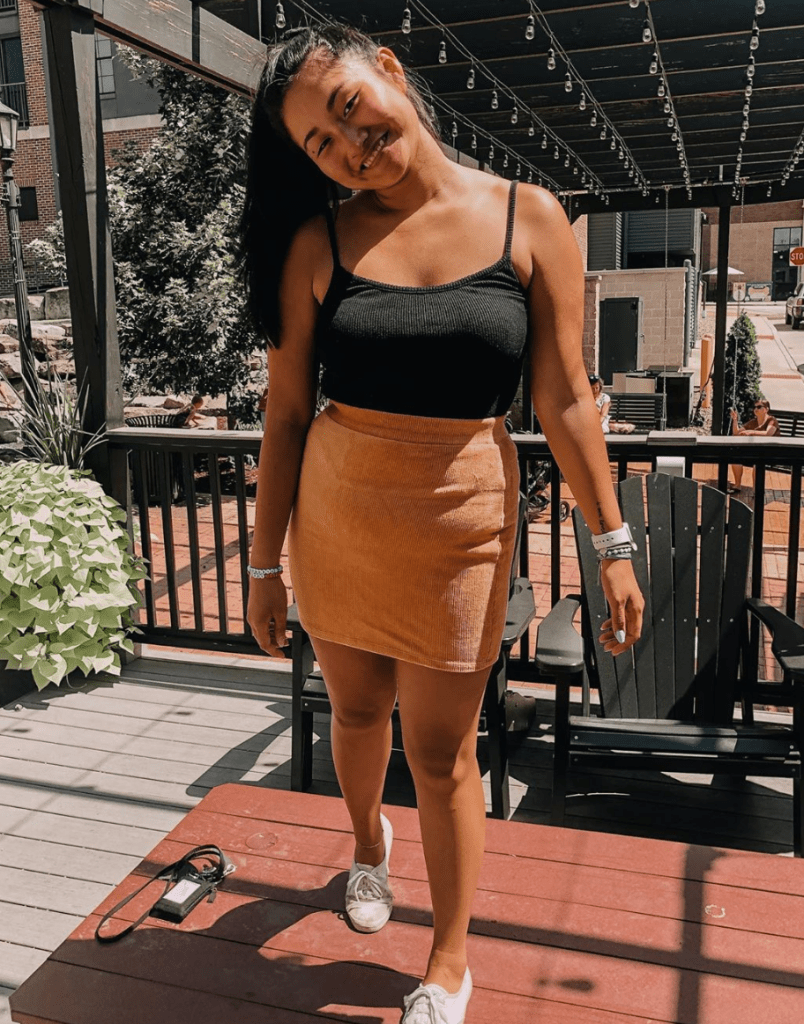
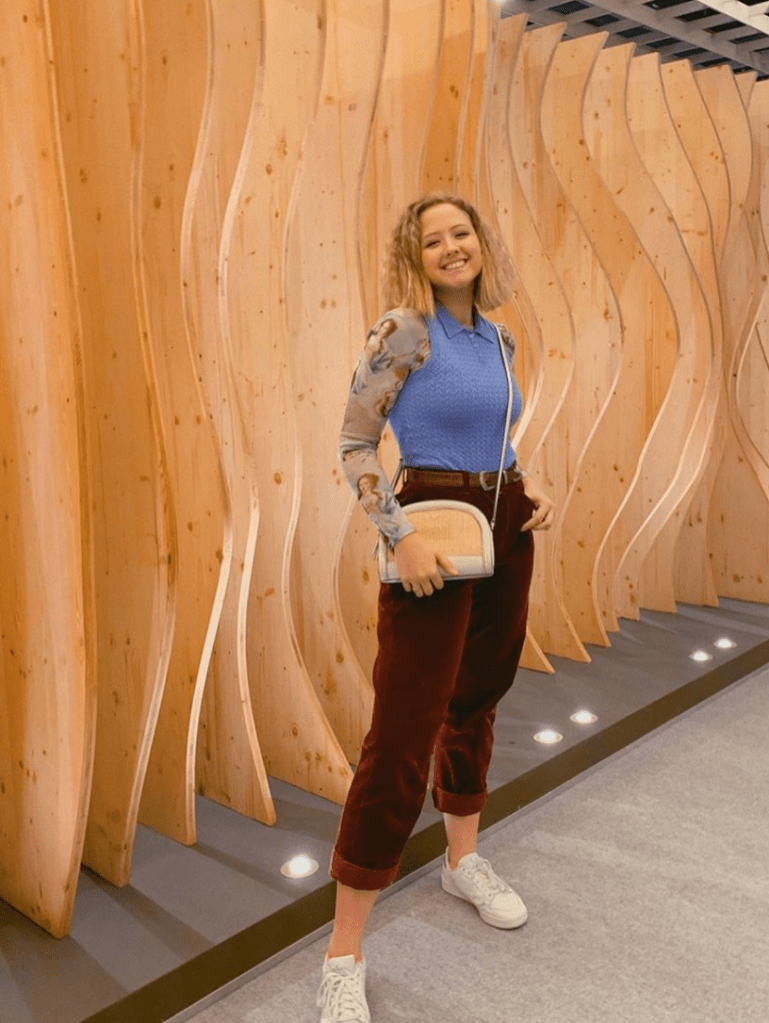
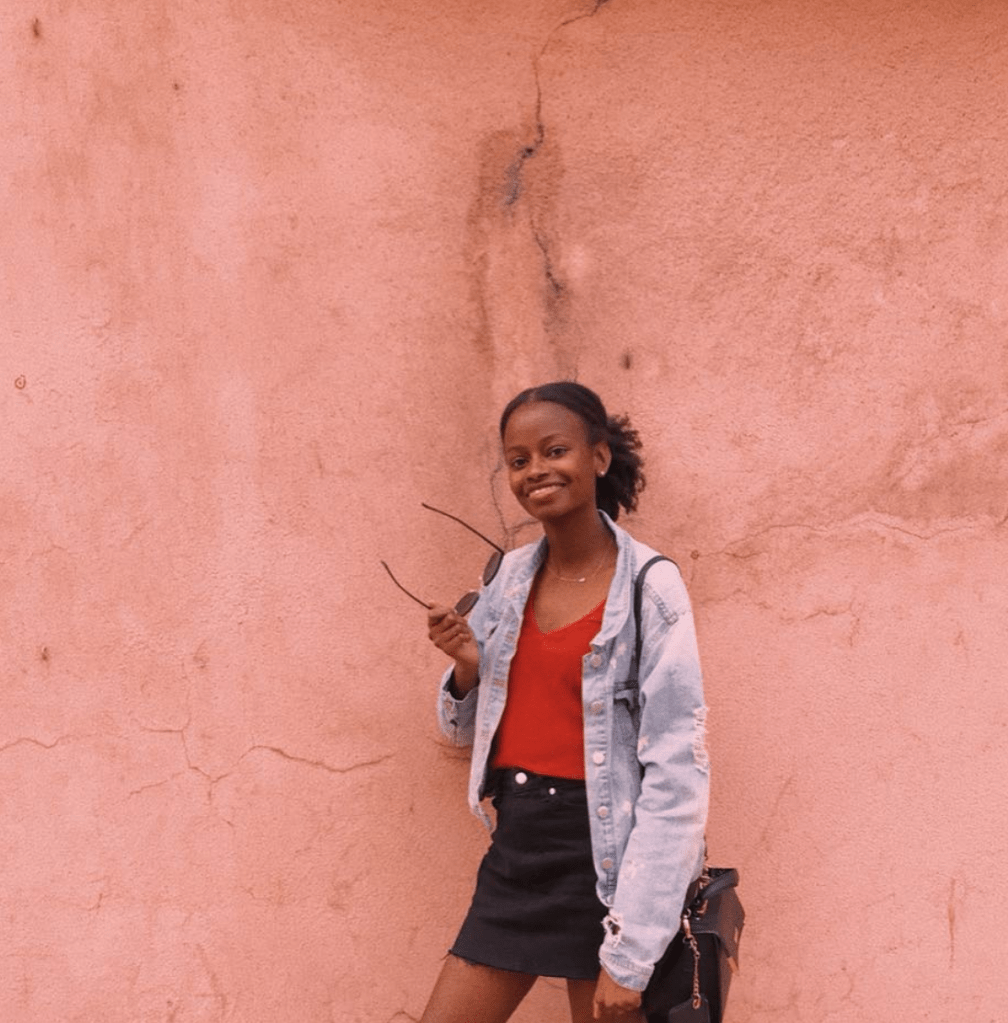
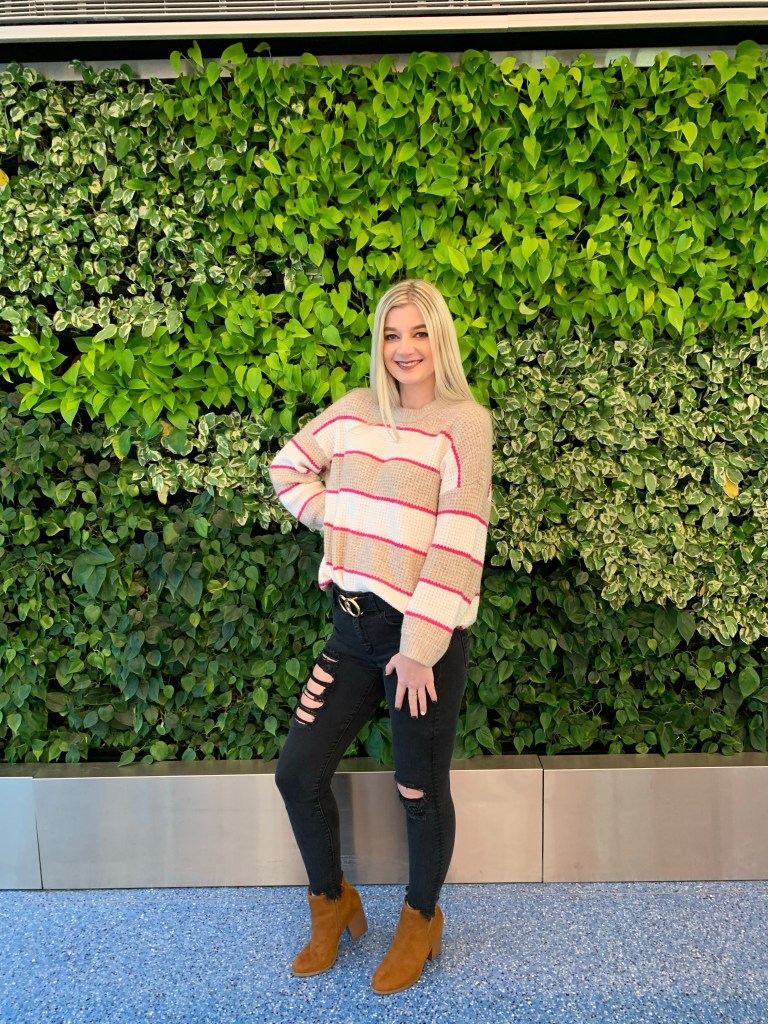
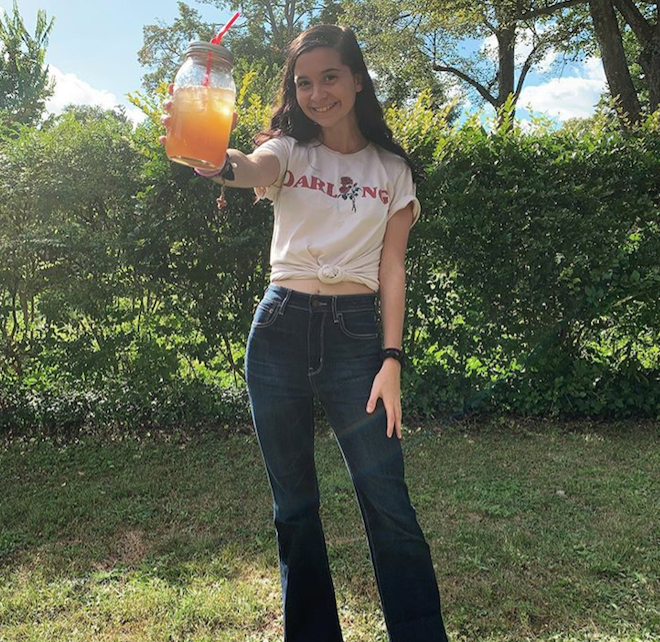
I have posted my final graphic collage above.  My graphic collage features three photos of some of my fellow classmates.  I selected these 3 photos because they all featured classmates with a great sense of style. 

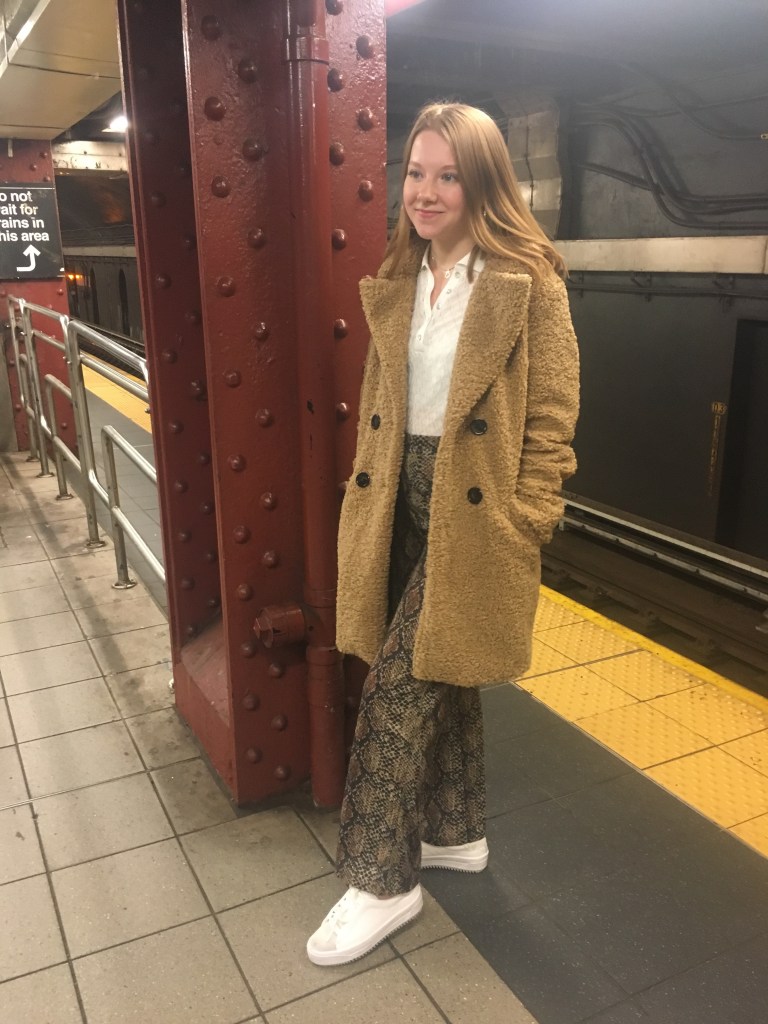
Originally in my draft I featured 3 pictures with a background of some leaves.  I have made some changes regarding the content of my photos I chose.  I removed and changed one of the photos to make a more collective theme with the outfits in the collage.  All of the photos of students featured are wearing animal print clothing.   I removed and changed a photo of one of my classmates so that she was wearing animal print as well.  I also changed the background image to match the theme of outfits. 


One of my classmates suggested I updated the coloring of the photos, so I adjusted the brightness and contrast etc., so that the photos could match the others.  I used the hue/ saturation tool as well at the brightness tool with layer masks to make the images look similar. 

I as well played around with the shape of some of the photos, giving the center photo a circular shape to create more motion in the collage. 

I cropped some of the photos to make them focus on the outfits some more.    I used the quick select tool to select the two images in order to remove their background.  I thought that this was a great way to bring images into the background.

I added a stock image of an animal print background to bring in the theme of the outfits above. 

Another way that I improved this collage was by writing text with an explanation below it.  I added this because I failed to do so on the draft.  I think this explains to the reader why I selected these photos and why I did what I did with my collage.

Animal background: https://www.fabricmill.com/braemore-jamil-natural-leopard-print-velvet.html

Design a site like this with WordPress.com
Get started